Choose the moment
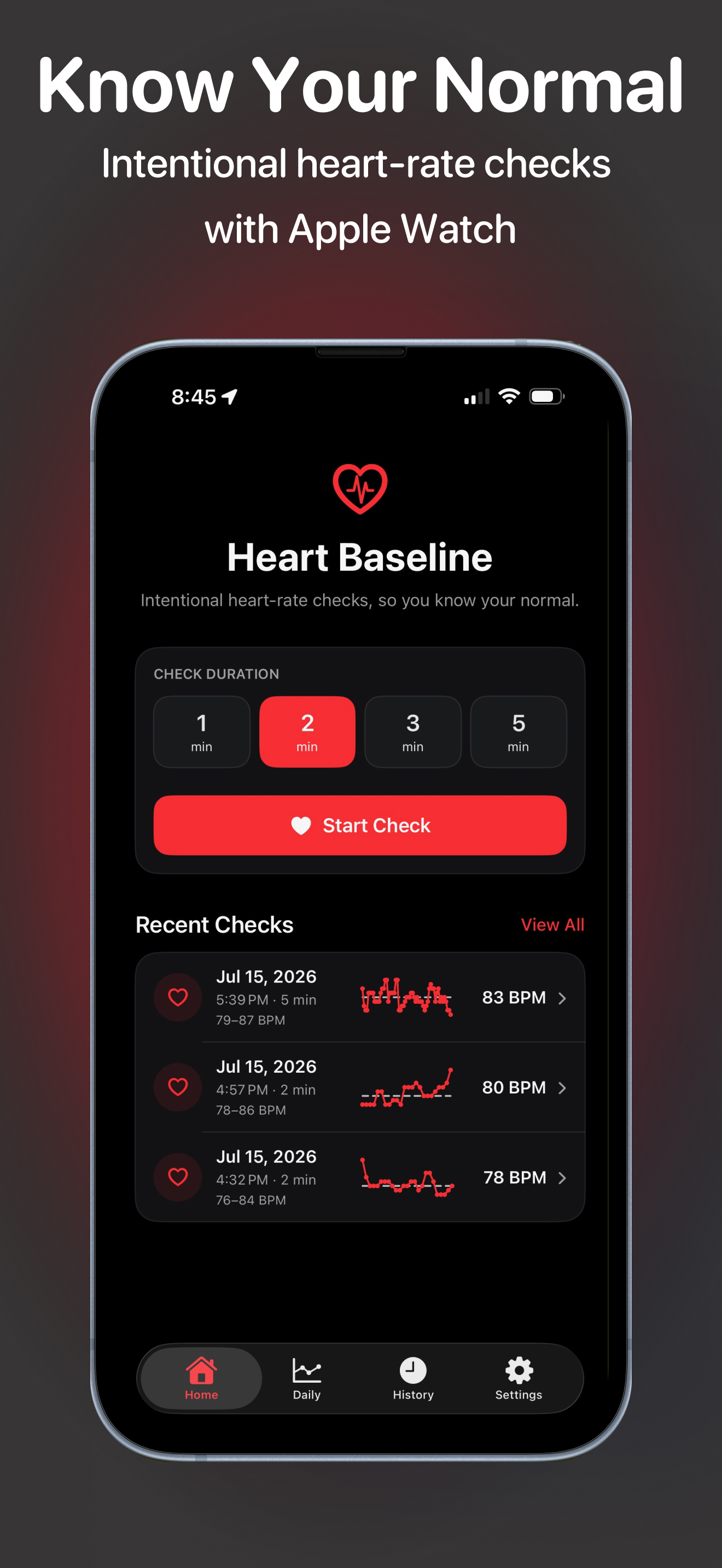
Start a one-, two-, three-, or five-minute check when you want a focused view of your heart rate.
Intentional heart-rate checks
Heart Baseline helps you capture short, focused heart-rate checks with Apple Watch and review the results on iPhone.
Available on the App Store
Why and how
Apple Watch measures heart rate throughout the day, often while you are moving, resting, or doing different activities. Heart Baseline gives you a deliberate moment to sit still and capture a short check under more consistent conditions.
That check becomes a simple record you can return to later on iPhone, alongside daily context from Apple Health.
Focused by design
Choose a short duration, keep still while Apple Watch gathers readings, then return to the result whenever you want to review it.
Start a one-, two-, three-, or five-minute check when you want a focused view of your heart rate.
Apple Watch gathers heart-rate readings while iPhone can mirror progress, time remaining, and the current reading.
With permission, compare focused checks with heart-rate context from Apple Health on a daily chart.
Review check averages, ranges, charts, and individual readings stored locally on your iPhone.
From check to context
Heart Baseline keeps each focused check easy to start, understand, and revisit.
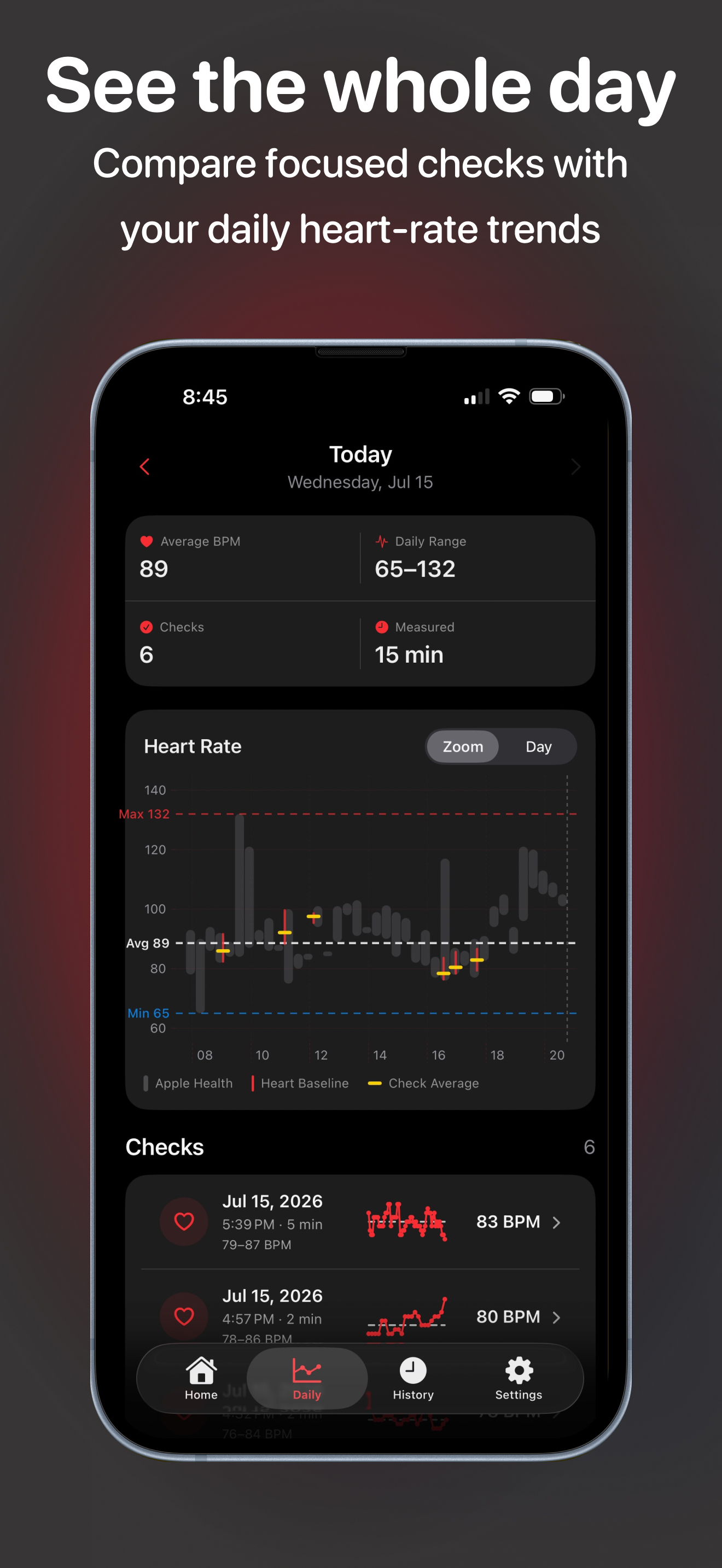
See daily averages, ranges, measured time, and focused check markers together in one chart.
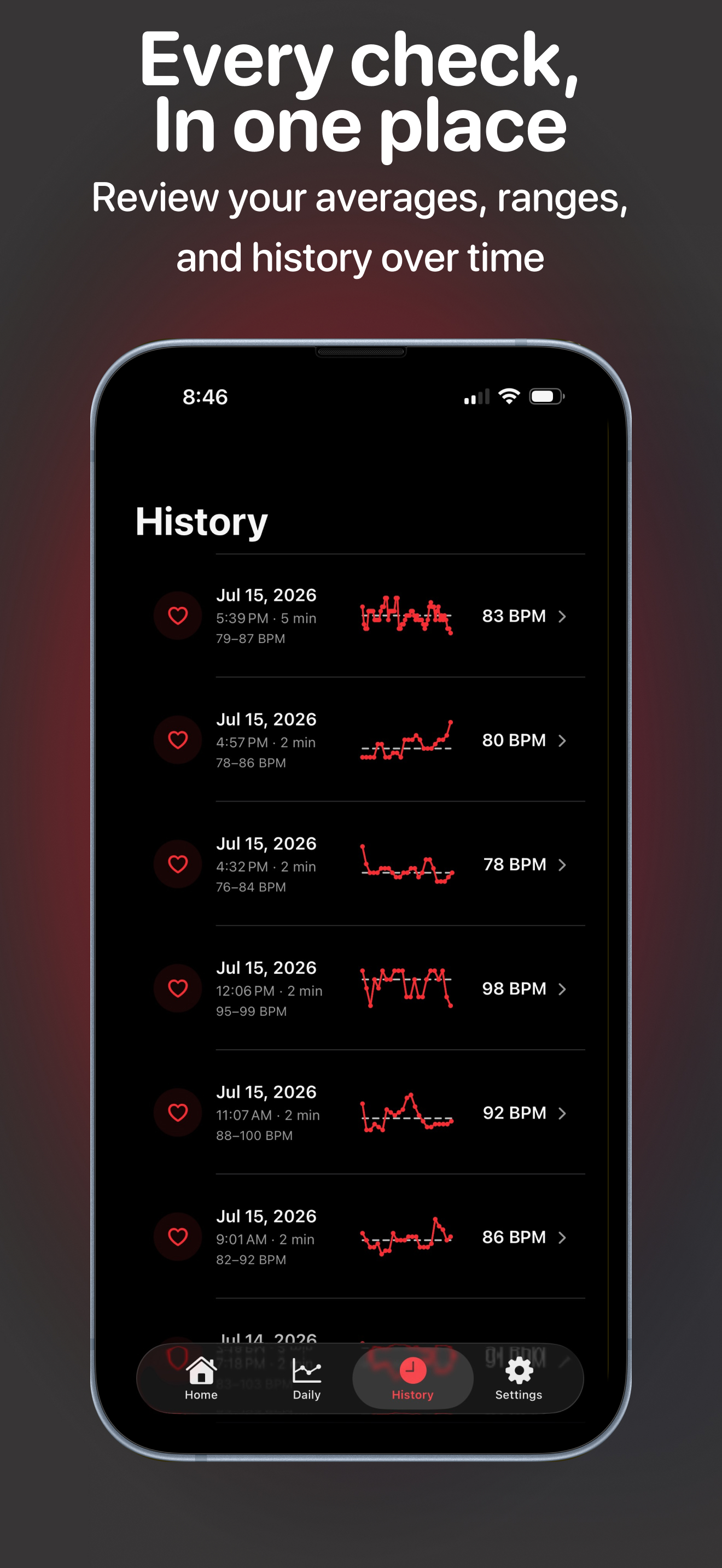
Browse completed checks and open their details without an account or a developer-operated service.
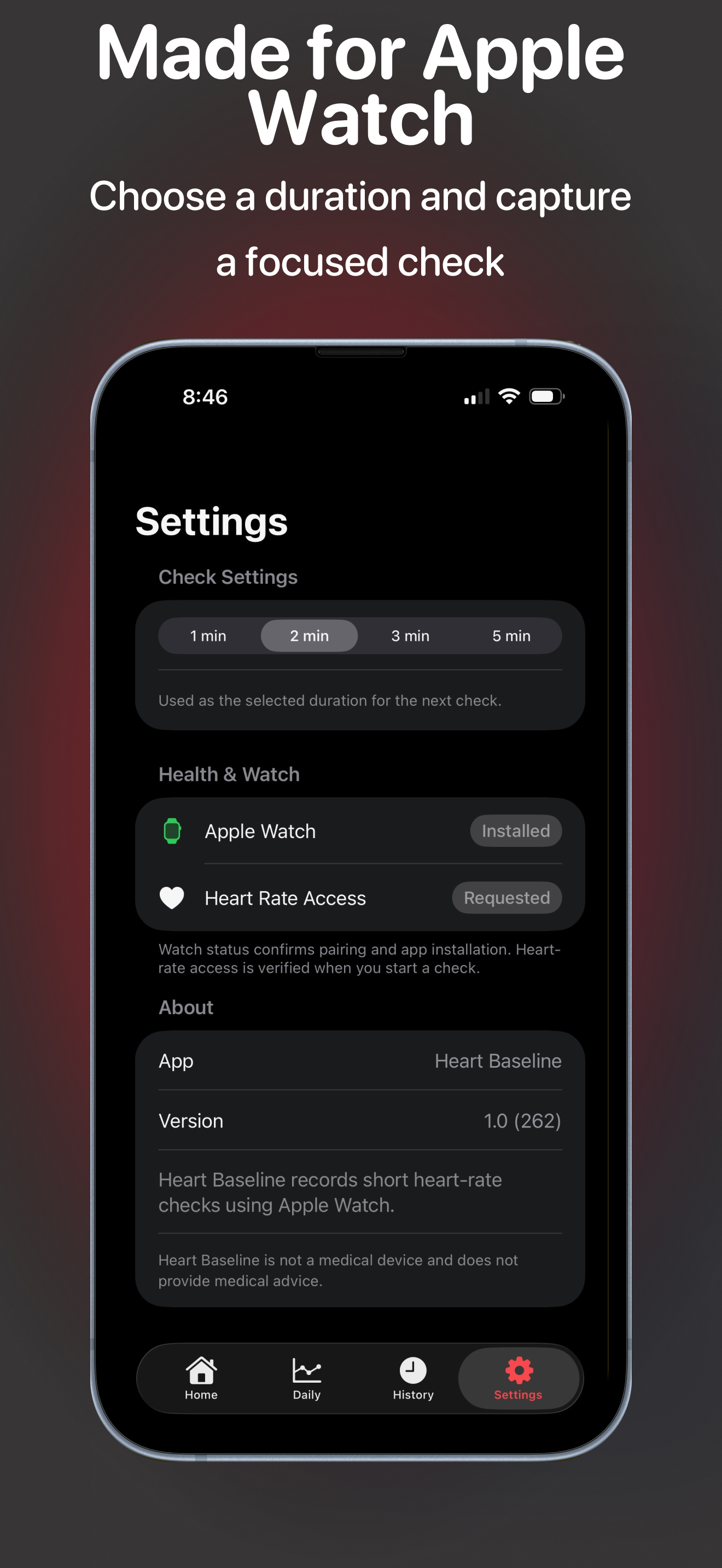
Choose a default duration and confirm the paired Watch app is ready before beginning a focused check.
Important information
Heart Baseline is not a medical device and does not provide medical advice. It is not intended to diagnose, treat, cure, or prevent a medical condition. Consult a qualified healthcare professional before making medical decisions.
Support
Questions, feedback, and bug reports are welcome. Include your iPhone model, Apple Watch model, and software versions when they are relevant.